
Websites & customer follow-up for local businessesExplore the package

Included in the $249/month package

Automated review requests.
Make feedback easier.

Ask for customer feedback as part of finishing the job. We plan clear review invitations and reminders for US local businesses, with an agreed review destination and the same opportunity for every customer to share an honest experience.

Talk about your business
Coffee being prepared at a café counter

An everyday situation. Shown from start to finish.

See what happens
while you’re working.

Four short animated stories.
Real situations. Clear next steps.

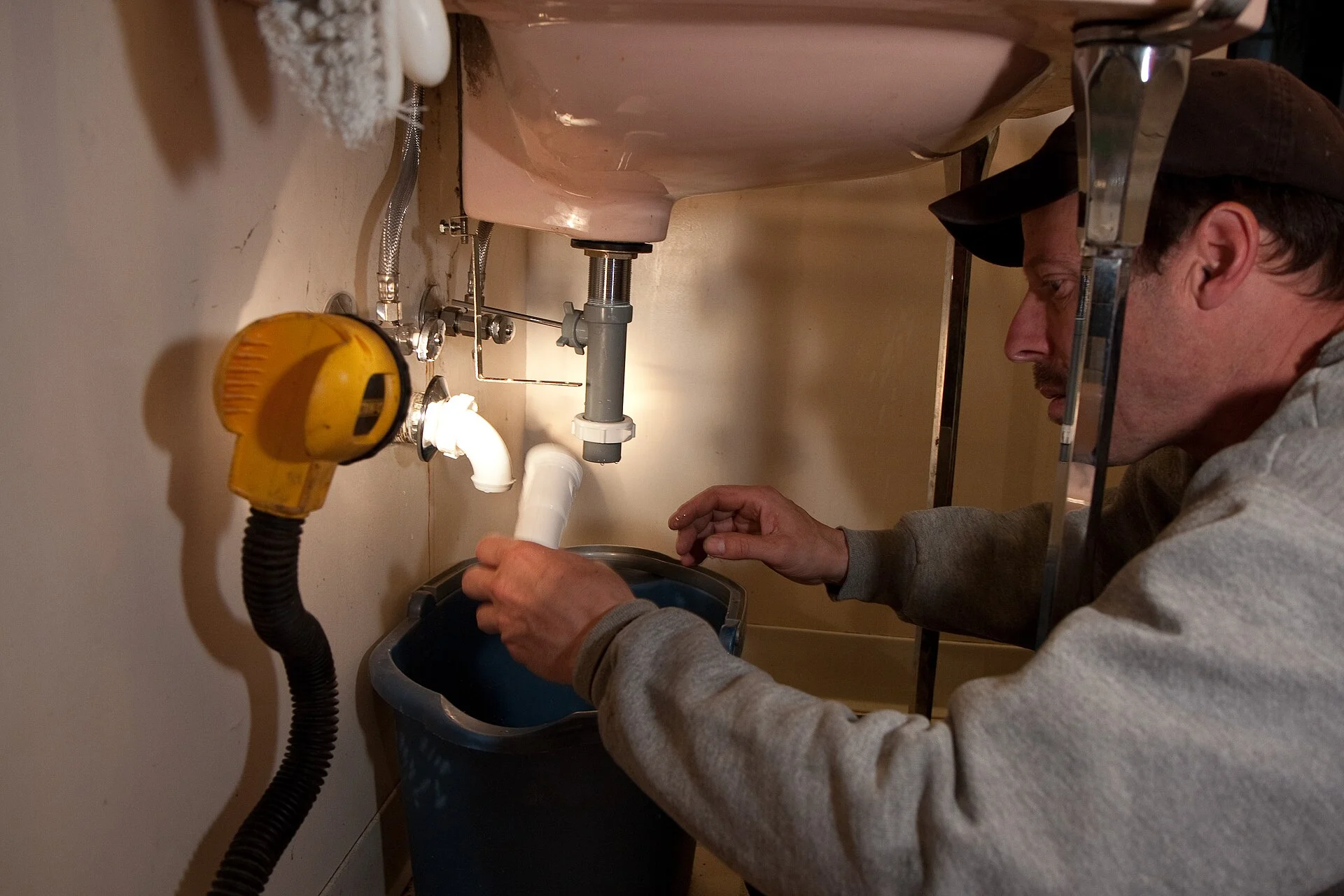
A plumber fitting a white drain trap beneath a bathroom sink
A plumbing job, finished 01 / 06

YOU FINISH THE JOB

The repair is done. Start with that.

You finish the sink repair and mark the job complete at the point agreed during setup.

Completed work
CLEARFLOW PLUMBING

Sink repair · Sam

Job statusMarked complete by your team
Ready for the agreed follow-up

Illustrative animation · No sound needed · Messages and timing tailored during setup

What’s included
Read the walkthroughs

The missed call: An electrician’s afternoon

  1. A customer needs an electrician. Jamie reads the electrical repairs page and chooses Contact now.
  2. The phone rings. Your hands are full. Jamie calls while you are working. The call is missed.
  3. They hear back without waiting for you. Automatic reply: Thanks for calling Current Electric. Sorry we missed you. What can we help with? Jamie: The kitchen outlets stopped working this morning. Can someone take a look?
  4. A useful conversation is waiting. Your inbox contains Jamie’s reply and the kitchen outlet problem. It is ready for you to respond.
  5. You handle the advice and the arrangements. You: Thanks, Jamie. I’ll call you to discuss the issue and the next step. Jamie: Thanks. I’m available this afternoon. The owner confirms availability, assessment, and costs.
  6. Less phone tag. A clearer starting point. The customer is acknowledged, the problem is described, and you choose the next step. Rules and handoff are agreed during setup.

Why it helps: A customer to call back. A useful description of the job.

The roof inquiry: A homeowner after the rain

  1. A damp patch sends Alex looking for help. Alex finds the roof-repair page and selects Request an assessment after noticing a damp patch.
  2. A few details. No roofing vocabulary needed. Alex Example selects Roof repair and writes: A damp patch above the upstairs window after rain. The website receives the request.
  3. The request gets an acknowledgment. Automatic reply: Thanks, Alex. We’ve received your roof-repair request. When did you first notice the damp patch?
  4. Alex adds the part you would ask anyway. Alex replies: After Monday’s rain. We haven’t noticed a leak there before. This background is added to the inquiry.
  5. Now you can arrange the right next step. The team reviews Alex’s inquiry and confirms access, assessment charges, and timing directly. Automation does not confirm an appointment.
  6. A prepared conversation, before the visit. The customer has selected a service and supplied useful details. Your team handles the assessment and recommendation.

Why it helps: The request arrives with details your team can use.

After the job: A plumbing job, finished

  1. The repair is done. Start with that. Your team marks Sam’s sink repair complete. This is the agreed starting point for a review invitation.
  2. A thank-you, with a simple invitation. Review invitation: Thanks for choosing Clearflow, Sam. Would you share an honest review of your experience? A direct review link follows.
  3. One link to the review page. Sam can choose any rating. Feedback is optional, and invitations do not filter customers by satisfaction.
  4. If needed, one useful nudge. An optional reminder follows under the agreed timing and stopping rules, inviting Sam to share their experience.
  5. A reply or opt-out stops the sequence. A reply or opt-out stops automated reminders under the agreed rules. Your team handles personal replies.
  6. Good work. A consistent way to ask. The invitation uses a direct link and agreed timing. It supports asking without promising reviews or particular ratings.

Why it helps: An easy, consistent way to invite honest feedback.

Getting your website: From your idea to launch

  1. Start with the business you already know. Share your business name, services, area, and a website example you like. No technical brief is required.
  2. Know what you’re getting before we build. We agree the page plan, content responsibilities, scope, costs, and terms together before building.
  3. Open your website. Click through it. You open the draft website, check the pages and contact flow, and request refinements before launch.
  4. Make the messages sound like you. You approve the message wording, timing, stopping rules, and where customer replies reach you.
  5. Follow a sample inquiry all the way through. We check the mobile pages, navigation, forms, sample inquiries, replies, and the agreed owner handoff.
  6. Go live when the details are right. After you approve the website, messages, and publishing details, launch follows the agreed plan. Ongoing responsibilities are confirmed.

Why it helps: You can review the website and the replies before anything goes live.

Ask at a sensible moment.

The request should follow an agreed point in your customer journey, such as a completed job. We plan the invitation and where the review link should lead, so the customer knows what they are being asked to do.

Keep the invitation clear.

A short thank-you, an invitation to share their experience, and a direct review link are easier to understand than a long marketing message. The wording should sound like your business and welcome honest feedback.

Use reminders thoughtfully.

We agree on timing and stopping rules for reminders. Every customer should have the same opportunity to leave an honest review; the flow does not screen people by satisfaction or promise a particular rating.

Choose a real completion point.

Tell us how your business knows a job or visit is finished and which review destination you want customers to use. We plan who is eligible, when the invitation is sent, and how reminders stop. Use a verified review link and neutral wording so customers can share their own experience without a suggested rating or pressure to write particular comments.

The rest of your package.

Your questions,
answered.

When should a business ask a customer for a review?

Choose a point when the customer has experienced the service, such as a completed job or visit. We agree on the trigger and timing with you so the invitation makes sense. A short thank-you and a direct review link keep the request easy to understand.

Can review requests link to my Google Business Profile?

A request can use your verified Google review link when that is the agreed destination. You supply the correct business profile and confirm ownership. The website package does not imply that ongoing Google Business Profile posting or management is included.

Do you filter unhappy customers or promise positive reviews?

No. Review invitations welcome honest feedback and do not screen customers by satisfaction. We do not write reviews for customers, invent ratings, or promise a score. Reminders use an agreed schedule and stopping rules.

Your business deserves
a website that feels right.

Tell us about your business. We’ll take it from there.

Let’s talk about your website